
Mastering VP AI: From Generic LLMs to Context-Aware Visual Modeling
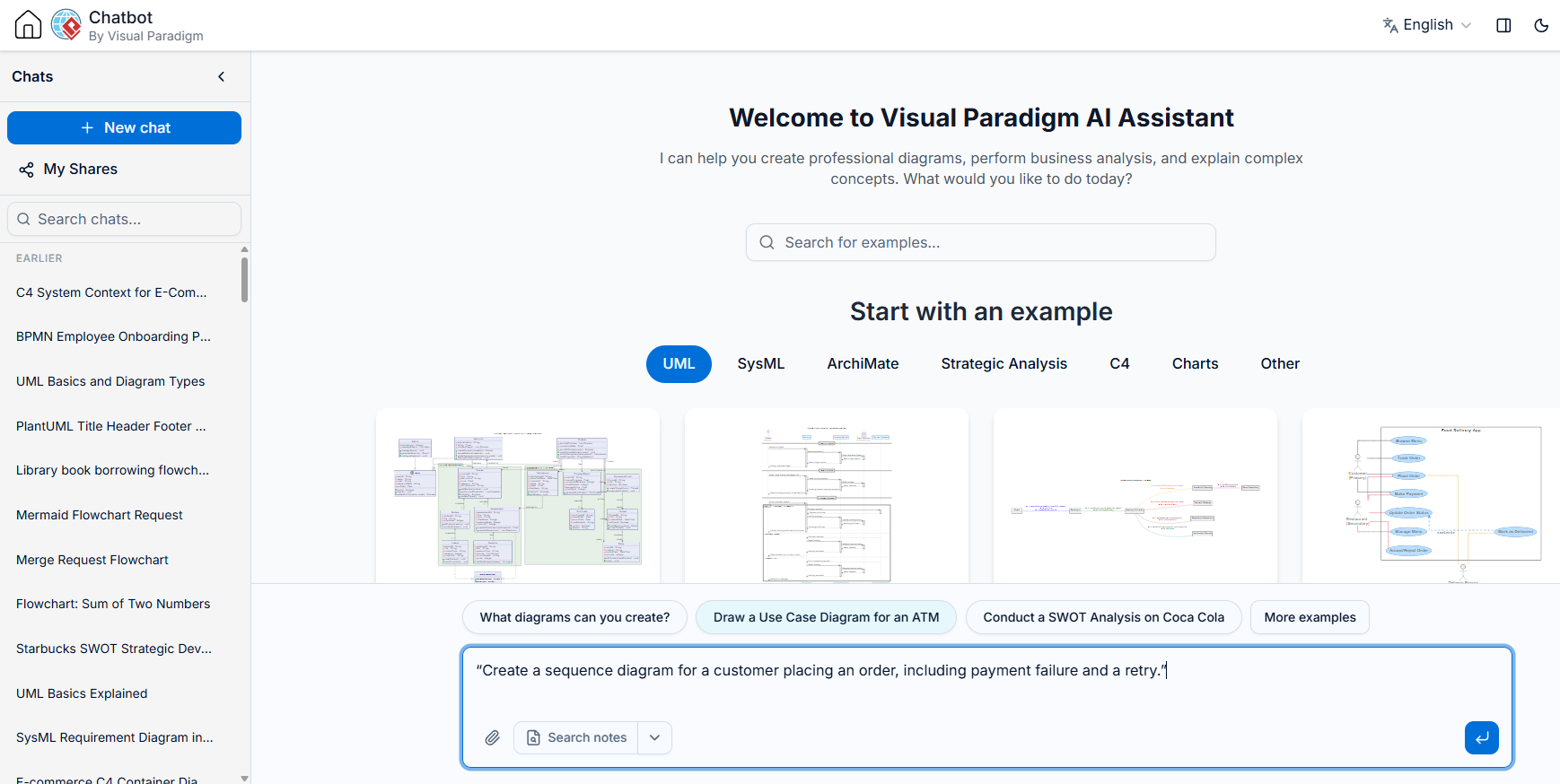
In the modern era of software engineering and business analysis, the barrier to entry for creating professional diagrams has been lowered by the rise of Large Language Models (LLMs). However, a critical distinction exists between using a generic text-based AI and utilizing a specialized, context-aware tool like the VP AI Chatbot integrated within Visual Paradigm.
This tutorial explores the architectural advantages of VP AI, demonstrating why it functions as a “Visual Workbench” rather than just a code generator. We will analyze the workflow differences, explain how “Chat-Driven Modeling” works, and guide you through the creation of a complex Sequence Diagram with error handling.
The Architectural Advantage: Why VP AI?
While a standard free LLM can generate PlantUML or Mermaid code snippets, it operates in an open-loop system. It provides text, and the user must manually copy, paste, and render that text elsewhere. Visual Paradigm AI operates within a closed-loop system. It does not just provide the code; it provides the rendered, editable visual artifact directly within the chat interface.
The table below illustrates the functional gap between generic text generation and the VP AI environment:
- From Idea to Execution: Generic models help structure thoughts, but VP AI generates the diagram directly from the description.
- Iterative Modification: In a standard environment, modifying a diagram requires editing the prompt or code and re-rendering. In VP AI, you can simply say “Add a retry mechanism” and the chat updates the visual immediately.
- Model Exploration: Generic models need the diagram content provided to discuss it. VP AI allows you to ask questions directly about the generated chart (e.g., “Analyze this sequence”).
- Seamless Integration: VP AI outputs are not just images; they are fully editable models within the Visual Paradigm environment, ready for export or further development.
Step-by-Step: Creating a Context-Aware Sequence Diagram
Let’s walk through the process of creating a sophisticated Sequence Diagram using Natural Language Processing. We will focus on a common business scenario: an online order process that includes robust error handling.
Step 1: The Natural Language Prompt
The power of VP AI lies in its ability to interpret intent. You do not need to memorize syntax like participant "User" as U or ->>Order: Create(). You simply describe the interaction.
Input Prompt:
“Create a sequence diagram for a customer placing an order, including payment failure and a retry mechanism.”
Step 2: System Interpretation
When the AI processes this request, it performs several logical steps:
- Entity Recognition: It identifies the actors: Customer, Order System, and Payment Gateway.
- Logic Inference: It understands that “placing an order” involves an interaction with the payment gateway.
- Conditional Logic: It infers that “payment failure” implies a conditional branch (an
altoroptfragment in UML terms) where the system must handle the error. - Retries: It understands “retry mechanism” implies a loop or a re-attempt message sequence.
Step 3: Generating the Architecture
VP AI translates this natural language into a valid UML Sequence Diagram structure. Below is the logical structure of the code the AI generates internally to fulfill your request:
@startuml
participant "Customer" as User
participant "Order System" as Order
participant "Payment Gateway" as Payment

User -> Order: Place Order
Order -> Payment: Process Payment

alt Payment Successful
    Payment --> Order: Success
    Order --> User: Order Confirmation
else Payment Failed
    Payment --> Order: Declined
    Order -> User: Notify Failure

    User -> Order: Retry Payment
    Order -> Payment: Process Retry

    alt Retry Successful
        Payment --> Order: Success
        Order --> User: Order Confirmation
    end
end
@enduml
Step 4: Iterative Refinement
One of the most powerful features of VP AI is the ability to edit the diagram after generation without rewriting the code. Suppose you want to add a specific “Timeout” scenario to the retry logic. You can simply type:
“If the retry fails twice, cancel the order.”
The AI will update the diagram, adding a counter variable or a specific branch logic to handle the cancellation, instantly visualizing the change.
Advanced Concepts: Chat-Driven Modeling
The transition from “Code Generation” to “Chat-Driven Modeling” represents a paradigm shift in how we architect systems. In VP AI, the diagram is the interface.
This approach allows for:
- Rapid Prototyping: You can explore different architectural patterns (e.g., Event-Driven vs. Request-Response) by simply changing your prompt.
- Contextual Analysis: Because the AI “sees” the diagram, you can ask, “What happens if the Payment Gateway is down?” and it will analyze the diagram’s failure paths.
- Seamless Export: The final output is not just a static image. It can be exported to various formats (PDF, PNG, SVG) or saved as a reusable template within the Visual Paradigm library.
By leveraging tools like VP AI, you move from being a “coder of diagrams” to an “architect of interactions,” focusing on the logic and flow of your system rather than the syntax of the drawing tool.