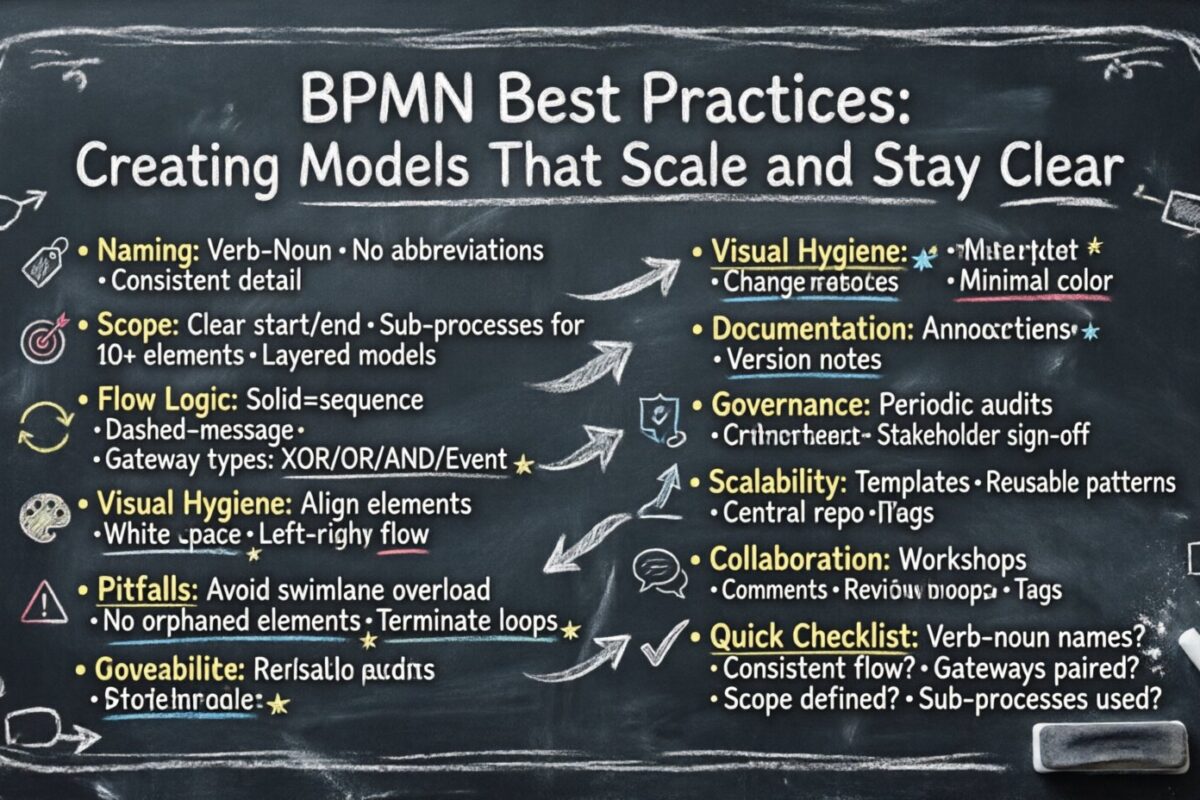
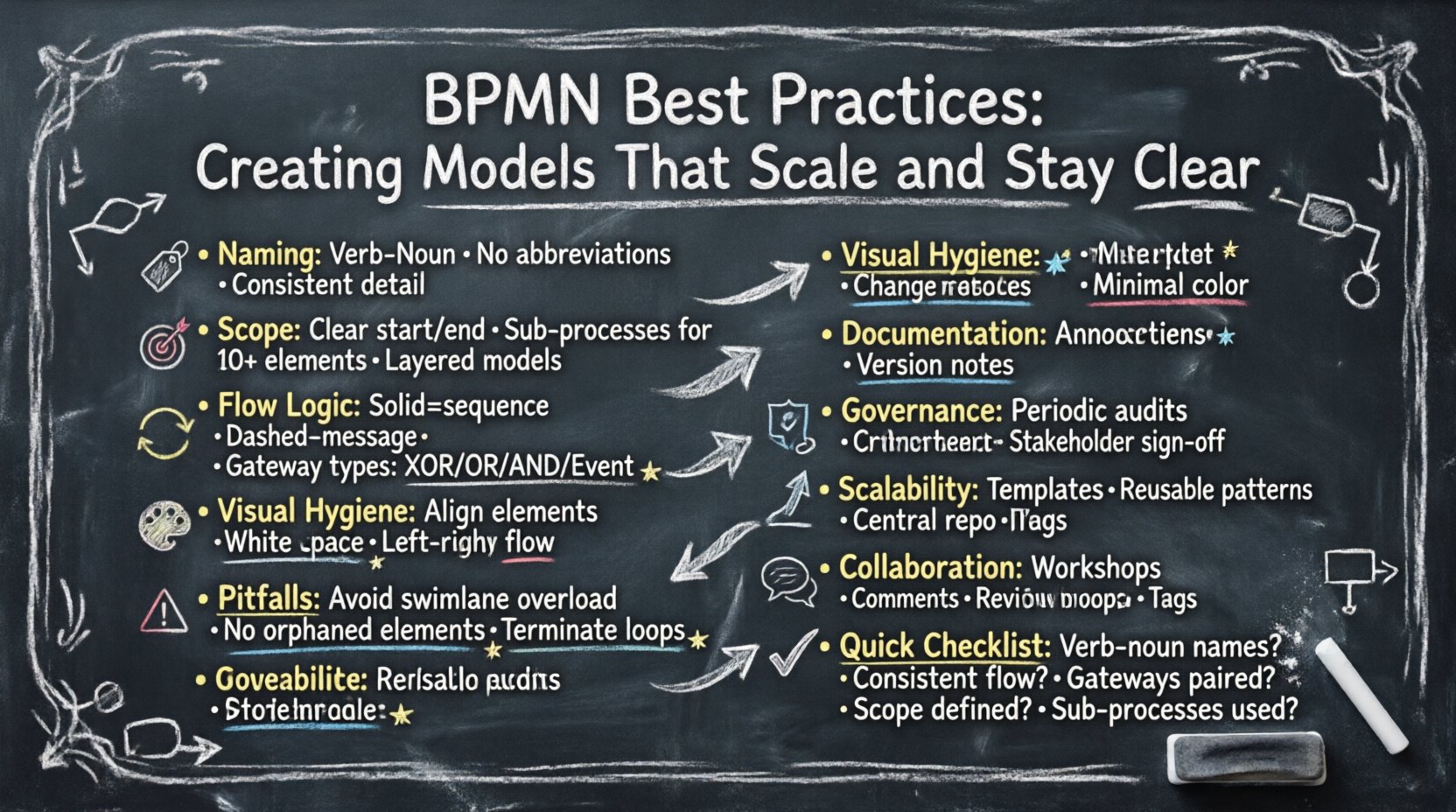
Business Process Model and Notation (BPMN) serves as the universal language for documenting workflows. When implemented correctly, these models provide clarity, enable automation, and facilitate communication between technical and business stakeholders. However, poorly constructed diagrams can lead to confusion, implementation errors, and maintenance nightmares. This guide outlines the essential principles for developing BPMN models that remain understandable as complexity grows.
Creating scalable process maps requires discipline in structure, naming, and visual presentation. The following sections detail the strategies necessary to maintain clarity without sacrificing necessary detail.
1. Establishing Naming Conventions and Standards 🏷️
The foundation of a readable model lies in how elements are labeled. Ambiguous names force the reader to infer meaning, which increases cognitive load and the risk of misinterpretation. Consistency across the entire repository is critical for scalability.
- Use Verb-Noun Structure: Task labels should describe an action and its object. For example, use “Verify Invoice” rather than just “Verify” or “Invoice Check”.
- Avoid Abbreviations: Unless an abbreviation is industry-standard (e.g., “KYC” for Know Your Customer), spell out terms. This ensures new stakeholders can understand the process without external references.
- Consistent Granularity: Ensure all tasks at the same hierarchical level share similar levels of detail. Mixing high-level summaries with minute steps in the same lane creates visual noise.
- Unique Identifiers: While not visible in the diagram itself, internal IDs should be unique to prevent confusion during version control or data mapping.
Adopting a naming standard early prevents the accumulation of technical debt in your process library. It allows teams to search and navigate models efficiently.
Standard Naming Examples
| Bad Example | Good Example | Reason |
|---|---|---|
| Check | Validate Customer ID | Missing object/context |
| Send Email | Send Order Confirmation Email | Too generic |
| Appr | Approve Request | Avoid non-standard abbreviations |
2. Managing Scope and Granularity 🎯
One of the most common errors in process modeling is attempting to capture an entire organization’s operations in a single diagram. This results in cluttered visuals that are difficult to maintain or read. Effective modeling requires breaking down large processes into manageable layers.
- Define the Start and End Points: Clearly identify the trigger event that initiates the process and the specific outcome that concludes it. This sets boundaries for the scope.
- Use Sub-Processes for Complexity: If a specific section of the diagram contains more than 10 to 15 elements, consider encapsulating it within a collapsed sub-process. This keeps the high-level view clean while retaining detail for those who need it.
- Separate Exception Paths: Do not mix standard operational flows with exception handling unless they are critical to the primary flow. Exception paths can be documented in separate diagrams or distinct swimlanes to reduce visual clutter.
- Layered Modeling: Create a Level 1 map for executive overview, Level 2 for departmental workflows, and Level 3 for specific task execution. Each layer should serve a different audience.
By isolating complexity, you ensure that stakeholders can find the information relevant to their role without being overwhelmed by irrelevant details.
3. Structural Integrity and Flow Logic 🔄
The logic within a BPMN diagram must be sound. Misused gateways or broken flows can lead to dead ends or infinite loops in execution environments. Adhering to the notation rules ensures the model is technically viable.
Sequence Flow vs. Message Flow
- Sequence Flow: Use solid lines to indicate the order of activities within the same pool or process instance. This represents control flow.
- Message Flow: Use dashed lines to represent communication between different pools. This indicates data exchange across organizational boundaries.
- Avoid Crossing Lines: Minimize the number of lines crossing over other elements. This reduces visual noise and makes tracing the path easier.
Gateway Usage
Gateways control the branching logic of the process. Misusing them creates ambiguity. Ensure you understand the specific behavior of each gateway type before implementation.
| Gateway Type | Symbol Shape | Function |
|---|---|---|
| Exclusive (XOR) | Diamond with X | Selects one path out of many. Only one condition can be true. |
| Inclusive (OR) | Diamond with Circle | Selects one or more paths based on conditions. |
| Parallel (AND) | Diamond with + | Splits into multiple paths that must all execute. |
| Event-Based | Diamond with ⚡ | Waits for an event to occur before proceeding. |
Always ensure that every gateway has a corresponding closing gateway unless the process ends. An open split without a merge can lead to synchronization issues where the process logic becomes unclear.
4. Visual Hygiene and Layout 🎨
A diagram is a visual tool. If the layout is messy, the message is lost. Visual hygiene involves alignment, spacing, and consistency.
- Align Elements: Use grid lines or alignment tools to keep swimlanes and tasks straight. Diagonal lines should be avoided unless necessary for specific flow direction.
- Use White Space: Do not cram elements together. Leave sufficient padding between lanes and tasks to allow for breathing room.
- Directionality: Maintain a consistent flow direction, typically top-to-bottom or left-to-right. Changing direction mid-diagram confuses the reader.
- Color Usage: Use color sparingly. Standard BPMN elements are black and white. If color is used for status (e.g., red for errors), apply it consistently across all models in the repository.
- Connector Clarity: Ensure connectors have arrowheads where flow direction changes. Do not use generic lines without direction indicators.
A clean layout reduces the time required for review and approval. It signals professionalism and attention to detail.
5. Documentation Within the Model 📝
While the diagram itself should be self-explanatory, supplementary information is often necessary for complex logic or regulatory requirements.
- Annotations: Use text annotations (paperclip icon) to add context without cluttering the main flow. These can explain specific business rules.
- Properties Panel: Utilize the metadata fields to store details like SLA targets, system owners, or specific KPI definitions.
- Event Definitions: Clearly define the data required for each start event and the data produced by each end event.
- Versioning Notes: Maintain a log of changes within the diagram or associated documentation. This helps track the evolution of the process over time.
Integrating documentation directly into the model reduces the need for external Word documents or PDFs that may become outdated.
6. Governance and Maintenance 🛡️
A process model is a living artifact. It requires ongoing management to remain accurate and useful. Governance ensures that the models do not drift from reality.
Review Cycles
- Periodic Audits: Schedule regular reviews of high-value processes. Verify that the steps match the current operational reality.
- Change Management: Implement a formal process for proposing and approving changes to existing models. This prevents unauthorized modifications.
- Stakeholder Validation: Have process owners sign off on the diagrams. This ensures accountability and accuracy.
Version Control
Every change to a model should result in a new version. Do not overwrite existing files. Maintain a history log that includes:
- Version number
- Date of change
- Author name
- Description of changes
This traceability is essential for compliance audits and understanding why specific decisions were made in the past.
7. Common Pitfalls to Avoid ⚠️
Even experienced modelers can fall into traps that degrade model quality. Awareness of these common issues helps in prevention.
- Swimlane Overload: Creating too many lanes makes the diagram too wide to view on a standard screen. Group related activities into broader pools if possible.
- Orphaned Elements: Ensure every task and event is connected to the flow. Unconnected elements suggest incomplete logic.
- Logic Loops: Review loops carefully. Ensure they have a termination condition to prevent infinite execution.
- Mixing Levels: Do not mix strategic high-level processes with operational low-level tasks in the same diagram.
- Ignoring Data: A process is not just about steps; it is about data. Ensure data objects are passed correctly between activities.
8. Implementing Scalability Strategies 📈
As the organization grows, the number of processes will increase. Scalability strategies ensure the modeling effort does not become unmanageable.
- Standard Templates: Create templates for common process types (e.g., Onboarding, Procurement). This ensures consistency in structure and notation.
- Reusable Patterns: Develop standard patterns for common logic, such as approval hierarchies or error handling. Reuse these patterns across different diagrams.
- Central Repository: Store all models in a single, accessible location. This prevents version confusion and facilitates searchability.
- Tagging System: Use tags to categorize processes by department, system, or risk level. This aids in filtering and reporting.
Investing in these structural foundations pays dividends when the model library reaches hundreds of diagrams. It allows for rapid navigation and maintenance.
9. Collaboration and Feedback 💬
Process modeling is rarely a solitary activity. Collaboration ensures the model reflects the reality of the work.
- Workshops: Conduct workshops with subject matter experts to validate the logic. Walk through scenarios together.
- Commenting Features: Use collaboration tools to leave comments on specific elements. This keeps the discussion attached to the relevant context.
- Review Loops: Establish a clear review loop. Assign specific reviewers for content accuracy and technical notation compliance.
- Training: Provide training for stakeholders on how to read the models. This improves the quality of feedback received.
Effective collaboration reduces the number of revisions needed later in the project lifecycle.
10. Summary of Key Actions ✅
To summarize, creating high-quality BPMN models requires a disciplined approach. The following checklist serves as a quick reference for finalizing a diagram before publication.
- Are all task names verb-noun combinations?
- Is the flow direction consistent (top-down or left-right)?
- Are all gateways properly paired (split and merge)?
- Is the scope defined by clear start and end events?
- Are complex sections collapsed into sub-processes?
- Is there sufficient white space for readability?
- Are message flows distinguished from sequence flows?
- Is version control maintained for the file?
- Have stakeholders validated the accuracy?
By adhering to these practices, organizations can build a process library that is robust, maintainable, and valuable for automation and optimization initiatives.