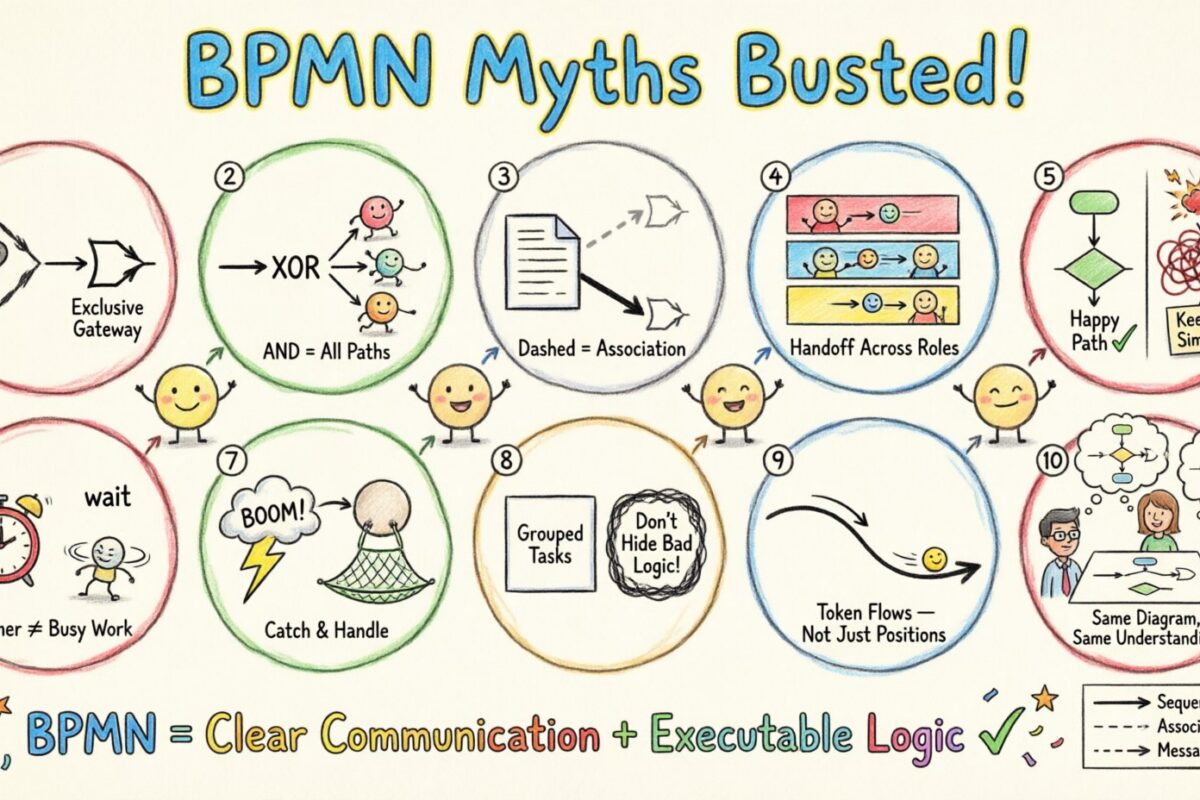
Business Process Model and Notation (BPMN) is the industry standard for visualizing workflows. It provides a universal language for business and technical stakeholders to communicate process logic. Despite its widespread adoption, a significant number of practitioners struggle with the nuances of the specification. This often leads to models that look correct but behave incorrectly when executed. This guide addresses the most prevalent errors and clarifies the correct application of BPMN elements.
Many professionals treat BPMN as a drawing tool rather than a formal notation. This distinction is critical. When used correctly, BPMN defines not just the visual representation of a process, but the executable logic behind it. Misunderstanding this foundation creates gaps between design and implementation. We will explore ten common misconceptions and provide the technical corrections needed to build accurate models.
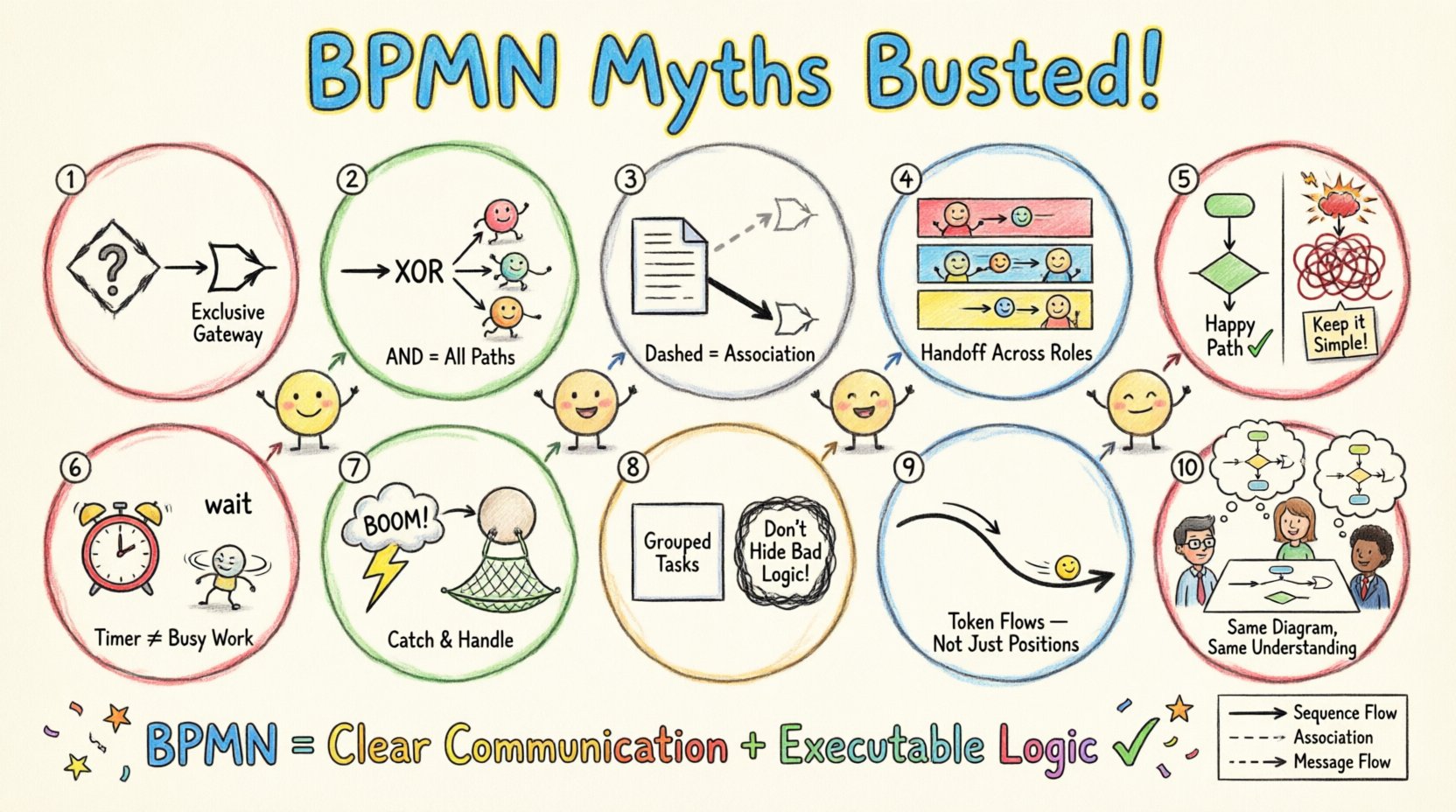
1. BPMN is Just a Flowchart 🔄
The most pervasive error is assuming BPMN is a sophisticated version of a standard flowchart. While both use shapes to represent steps, their underlying logic differs significantly. Flowcharts are often informal and rely on implicit understanding. BPMN is a strict standard governed by the Object Management Group (OMG). Every symbol has a defined behavior.
- Flowcharts: Focus on visual flow. Logic is often implied by the arrow direction alone.
- BPMN: Focus on semantic behavior. Each element (Event, Gateway, Activity) has specific execution rules.
For example, a diamond shape in a flowchart usually indicates a decision. In BPMN, a diamond is a Gateway, and there are five distinct types of gateways, each with specific token handling rules. Treating a BPMN XOR Gateway exactly like a flowchart decision box can lead to deadlocks or infinite loops during execution.
2. Gateway Confusion: XOR vs. AND 🚦
Gateways control the flow of tokens. The confusion often lies between the Exclusive Gateway (XOR) and the Inclusive Gateway (OR). Users frequently interchange them, assuming they function identically but with different labels.
An Exclusive Gateway requires exactly one outgoing path to be taken. If conditions are evaluated, only one branch continues. This is suitable for mutually exclusive choices, such as “Yes” or “No”.
An Inclusive Gateway allows zero or more outgoing paths. This is necessary for scenarios where multiple conditions can be true simultaneously. For instance, a user might qualify for both a “Discount” and a “Free Shipping” promotion. If you use an XOR Gateway here, the model implies only one can happen, which is logically incorrect.
Additionally, the Parallel Gateway (AND) splits the flow into concurrent paths that must all complete before merging. A common mistake is using a Parallel Split without a corresponding Merge. This causes the process to stall because the engine waits for tokens that never arrive on the other branches.
3. Data Objects Are Not Flow Objects 📄
Practitioners often draw Data Objects (represented as a document icon) as if they are part of the process flow sequence. They draw arrows connecting activities to data objects as if the data object is a step in the process.
Data Objects do not control flow. They represent information being used or produced by an activity. You should not connect two Data Objects with a sequence flow. Instead, you connect an Activity to a Data Object using an Association (dashed line).
- Incorrect: Activity A → Data Object → Activity B.
- Correct: Activity A → (Association) → Data Object → (Association) → Activity B.
Using sequence flows for data objects implies that the data object itself consumes time or logic, which is not true. The data is merely a payload. Confusing these two leads to models that look cluttered and suggest the wrong execution sequence.
4. Swimlanes Define Sequence, Not Responsibility 🏊
Swimlanes (Pools and Lanes) are primarily used to show who is responsible for a task, not when it happens. A common misconception is that a process must move vertically down a single lane before crossing to another. This creates a “waterfall” mentality that ignores the nature of collaboration.
In a well-designed model, you might see a task in Lane A, followed immediately by a task in Lane B. This represents a handoff. However, you can also have tasks in Lane A occurring in parallel with tasks in Lane B. Relying on vertical movement to dictate sequence creates rigid models that do not reflect real-world concurrency.
5. The Myth of the “Perfect” Model ✅
Many teams believe a process model must be perfect before it can be shared. This leads to analysis paralysis. They attempt to model every edge case, exception, and variable in the initial diagram.
This approach is inefficient. A BPMN model is a communication tool. It should focus on the Happy Path (the standard successful flow) first. Exceptions should be modeled separately or as specific error handling subprocesses. Trying to capture every “what if” scenario in one diagram makes the model unreadable and defeats the purpose of visualization.
Focus on clarity over completeness. If a variation is rare, it can be documented in text rather than drawing a complex exception branch.
6. Intermediate Events Are Optional (But Critical) 🕒
Intermediate Events are often skipped because they add visual complexity. However, they are essential for defining timing and message boundaries within a process.
Consider a waiting period. If a task takes three days, should that be an Activity or an Event? If it is an Activity, the system is busy during that time. If it is an Intermediate Event (Timer), the system is idle until the trigger occurs. Confusing these two affects resource allocation calculations.
Similarly, Message Events are crucial for asynchronous communication. If you model a request and response using sequence flows between two pools without a Message Event, you imply a synchronous connection. In reality, the response might arrive hours later. Using the correct Event types ensures the execution logic matches the reality of the business interaction.
7. Error Handling is an Afterthought ⚠️
Standard flow diagrams often ignore what happens when things go wrong. This is a significant oversight. A robust process model includes Error Events and Boundary Events.
A Boundary Event is attached to an Activity. If an error occurs during that activity, the flow diverts to the error handler. If you rely solely on an XOR Gateway to check for success, you are modeling a decision, not an exception. Exceptions are distinct from decisions. A decision is based on data; an error is based on system failure.
Missing error handling in the model leads to processes that crash in production because the model did not account for the failure state.
8. Subprocesses Hide Complexity, They Don’t Solve It 📦
Subprocesses allow you to zoom out and hide detail. However, some users use them to hide poor design. If a subprocess contains a tangled web of gateways and loops, moving it inside a subprocess does not fix the underlying logic error.
Subprocesses should represent a logical grouping of tasks that belong together. They should not be used to break a model into arbitrary chunks. If you cannot explain the purpose of the subprocess in a single sentence, the grouping is likely incorrect.
| Element | Misconception | Correct Usage |
|---|---|---|
| Gateway | Any decision is a Gateway. | Gateways control flow paths (Split/Merge), not task logic. |
| Event | Start and End events are optional. | A valid process must have at least one Start and one End. |
| Sequence Flow | Connects any two shapes. | Connects Flow Objects only (Events, Activities, Gateways). |
| Message Flow | Used inside a single Pool. | Used between Pools (Communication). |
| Association | Connects tasks in a line. | Connects non-flow objects (Data, Text) to Flow Objects. |
9. Execution Semantics vs. Visuals 🎮
Visual placement does not always equal execution order. In BPMN, the arrow direction dictates flow, not the position on the canvas. You might draw a task at the bottom of the page that executes before a task at the top. This is valid if the arrows indicate it.
However, relying on this visual trick makes the model hard to read. Best practice is to orient the flow from top-left to bottom-right. Deviating from this without a strong reason increases cognitive load for the reader.
Furthermore, the Token concept is invisible. A token represents the progress of a process instance. Understanding how tokens move through Gateways is key to debugging. If a process stops unexpectedly, it is usually because a token got stuck at a Gateway waiting for a condition that can never be met.
10. BPMN is Only for IT 🖥️
Some believe BPMN is a technical notation reserved for developers and analysts. This limits its value. The strength of BPMN is that it is readable by business users.
If a business stakeholder cannot understand the diagram, it is not a good BPMN model. The icons are standardized for a reason. Avoid custom icons. Do not create your own symbols. If you need to explain a specific business rule, use a text annotation rather than changing the shape.
Final Thoughts on Model Accuracy 🎯
Achieving accuracy in BPMN requires discipline. It is not enough to make the diagram look pretty. It must behave logically. By avoiding these common pitfalls, you ensure that the model serves as a reliable blueprint for automation or process improvement.
Remember that BPMN is a specification. It is not a product. The rules apply regardless of the medium used to create them. Focus on the semantics of the elements. Use the gateways correctly to manage logic. Use events to manage timing and communication. Keep the data objects separate from the flow.
When these principles are applied, the gap between the business design and the technical implementation narrows. This alignment reduces errors, saves time, and improves the overall quality of the process architecture. Start by auditing your existing models against these points. Identify where the logic breaks down. Correct the symbols. The result is a process definition that is both readable and executable.
Continuous improvement is the goal. As business rules change, the model must evolve. Do not treat the diagram as a static artifact. Treat it as a living document that reflects the current state of operations. This mindset shift is often more important than the technical symbols themselves.